Kitchen Display System for Restaurants
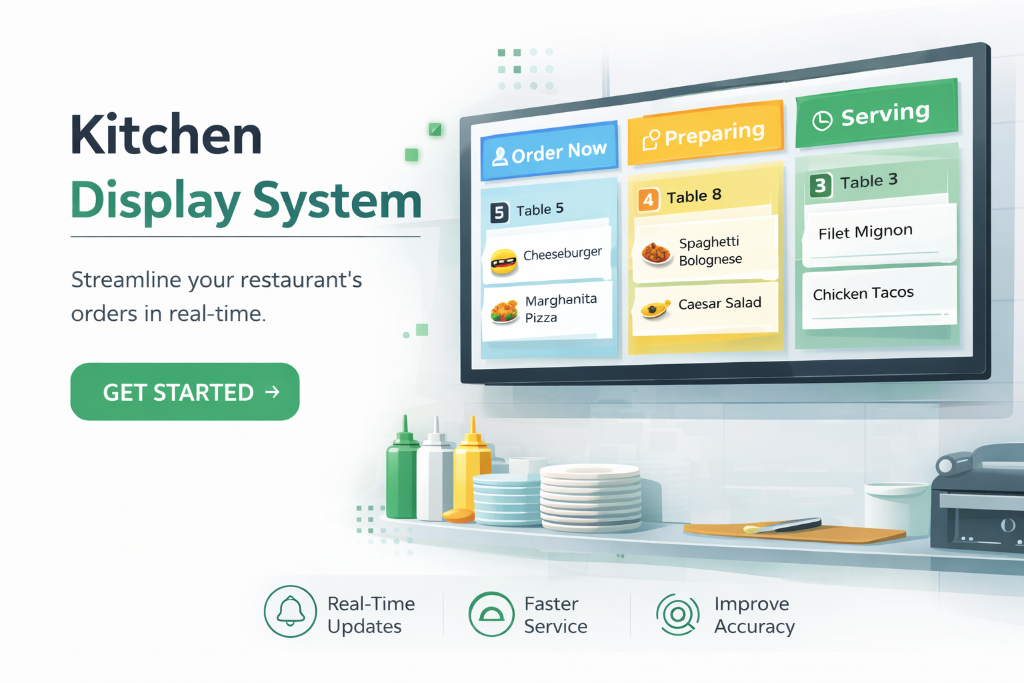
A kitchen display system (KDS) routes every order — from QR ordering, waiters or the front counter — straight to a clear screen in the kitchen, colour-coded by status and timed from the moment it arrives. The whole team sees the same live queue without paper tickets.
Key Benefits
Real-time order queue
Tickets appear instantly the moment a guest orders, with table number, items and modifiers — no shouting and no lost tickets.
Status tracking
Every order moves through New → Preparing → Ready → Served, so front-of-house always knows what's left to come.
Timing and accountability
Each ticket shows how long it has been live, helping the kitchen prioritise and identify bottlenecks during a rush.
Dedicated kitchen TV mode
A large-screen view designed for a wall-mounted display gives the whole kitchen one shared source of truth.
How It Works
- 1
Open the Kitchen Display (or a wall-mounted Kitchen TV) on a screen in the back of house.
- 2
New orders flow in automatically from QR orders, waiter entries and take-away counters.
- 3
Chefs mark items preparing and ready as they work.
- 4
Front-of-house sees ready status instantly to run food to the table.
Frequently Asked Questions
Do I need special hardware?
No. KiwiNova Dine Kitchen Display runs on any tablet or screen with a browser. A wall-mounted TV works great for the team view.
Does it work with QR ordering and waiter entries?
Yes — all order sources feed the same live kitchen queue.
Can I use it on a big TV?
Yes. The dedicated Kitchen TV view is designed for wall-mounted large screens.
Related features
QR Code Ordering Software for Restaurants
QR code ordering turns every table into a self-service point of sale. Diners scan a table-specific code, view your full menu with photos and descriptions, place orders directly, and the kitchen is notified instantly — no staff intervention needed and no app for your customer to install.
Restaurant Reservation Software
A modern reservation system captures bookings around the clock from your public booking page. Guests choose date, time and party size; the platform allocates the right table, sends a confirmation email, and updates your team's live calendar automatically.
Restaurant Analytics & Revenue Software
Restaurant analytics turns the data you already capture — orders, bookings, prep lists, invoices and staff time — into clear insight. Know your busiest hours, your most profitable dishes and your revenue trend without spreadsheets orguesswork.
Ready to try Kitchen Display System for Restaurants?
Start your 30-day free trial — no credit card required.