Restaurant Automation Software
Automation removes the manual steps that slow a service down. In KiwiNova Dine, a new order automatically prints to the right kitchen or bar printer, appears on the kitchen display, and can trigger confirmation emails — your team focuses on cooking and hosting, not paperwork.
Key Benefits
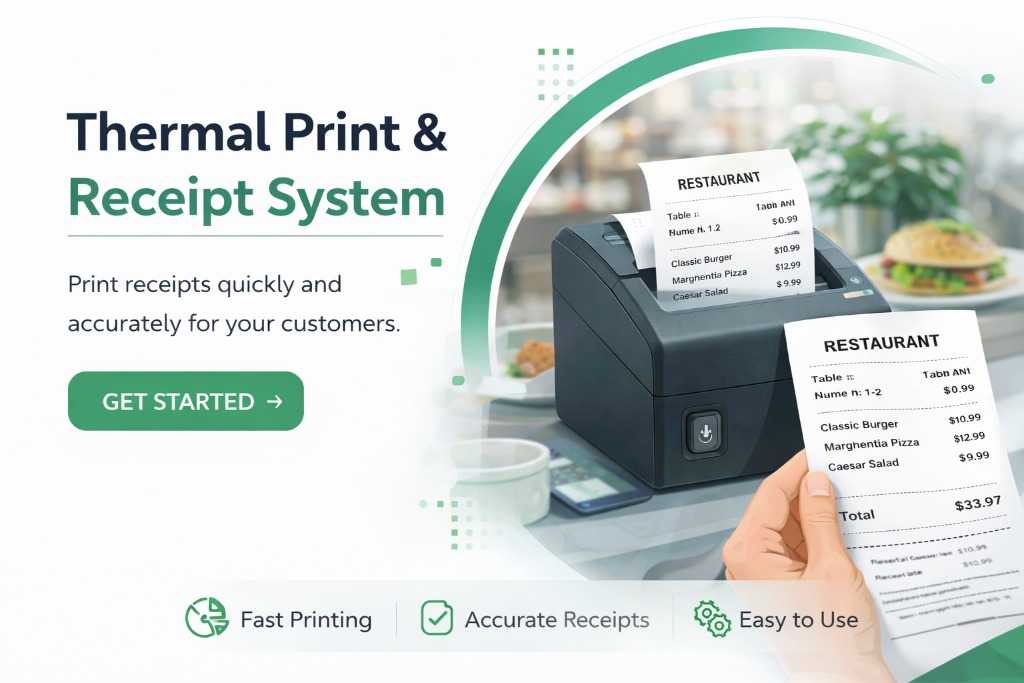
Auto-print to the right station
Orders route automatically to kitchen, bar or receipt printers based on the items, so nothing is missed during a rush.
Instant order routing
A placed order reaches the kitchen display and the correct printer in the same second — no relay delay.
Automated confirmation emails
Guests receive booking and order confirmations automatically, cutting follow-up phone calls.
Repeatable prep lists
Recipe-based prep tasks regenerate daily from your menu, so your opening checklist is always current.
How It Works
- 1
Configure your printers by type (kitchen, bar, receipt, label) once.
- 2
Orders route to the correct printer and kitchen display automatically.
- 3
Confirmations and follow-ups send through your branded email automatically.
- 4
Prep tasks rebuild from your recipes each day — no manual rewrite.
Frequently Asked Questions
What can KiwiNova Dine automate?
Order routing, thermal printing, confirmation emails and daily prep list generation all happen automatically.
Do I need to install software on printers?
Network receipt printers are configured by IP in the platform; orders print over your local network.
Can I turn automation off?
Yes. Each automation — printing, emails, prep lists — can be toggled on or off per restaurant.
Related features
AI Restaurant Management Software
AI inside KiwiNova Dine focuses on one job: helping you use the platform well. A context-aware assistant answers platform questions, suggests next steps and explains features in plain language — so you spend less time learning software and more time running your restaurant.
Restaurant Analytics & Revenue Software
Restaurant analytics turns the data you already capture — orders, bookings, prep lists, invoices and staff time — into clear insight. Know your busiest hours, your most profitable dishes and your revenue trend without spreadsheets orguesswork.
QR Code Ordering Software for Restaurants
QR code ordering turns every table into a self-service point of sale. Diners scan a table-specific code, view your full menu with photos and descriptions, place orders directly, and the kitchen is notified instantly — no staff intervention needed and no app for your customer to install.
Ready to try Restaurant Automation Software?
Start your 30-day free trial — no credit card required.